

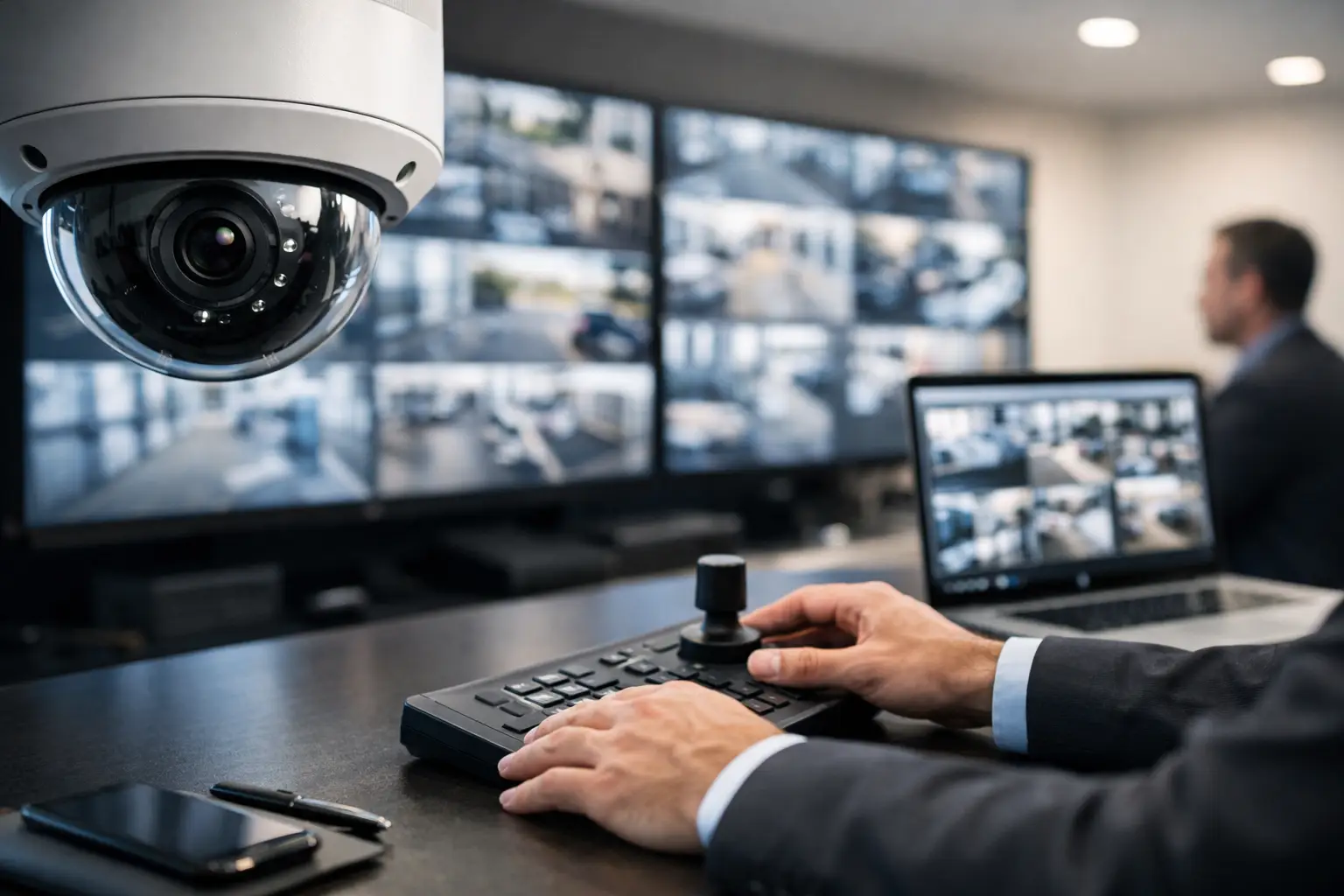
A blurry parking lot camera is not a security strategy. If your team cannot identify faces, read plates, or quickly pull footage when something happens, it is time to look closely at how to upgrade business surveillance in a way that actually supports daily operations.
For most commercial properties, the problem is not just old cameras. It is usually a mix of limited coverage, poor image quality, weak nighttime performance, outdated recording hardware, and disconnected systems that force managers to chase answers after the fact. A real upgrade should fix those gaps while making the system easier to use, easier to expand, and more useful to the people responsible for protecting the property.
What upgrading business surveillance should really accomplish
A better surveillance system should do more than record video. It should help reduce blind spots, shorten response time, support investigations, and give managers clearer visibility into entrances, loading areas, customer spaces, and high-value assets.
That means the right upgrade is not always the one with the most cameras. In some buildings, a smarter design matters more than adding hardware. A warehouse may need stronger coverage at dock doors and perimeter fencing. An office may benefit more from integrating cameras with access control and intercoms. A retail site may need better people tracking, front entrance views, and after-hours alerts.
When businesses approach surveillance as part of operations instead of a standalone purchase, the investment tends to perform better over time.
Start with a site assessment before you upgrade business surveillance
The fastest way to waste budget is to replace equipment without reviewing what the property actually needs. Before selecting new devices, look at how the current system performs during a normal workday and after hours.
Start with camera placement. Are there blind spots near entrances, side gates, stairwells, cash handling areas, or parking lots? Are important views blocked by lighting glare, shelving, vehicles, or landscaping? If incidents occur, can your team find video quickly and tell what actually happened?
Then review infrastructure. Many surveillance issues are not camera issues at all. Poor cabling, network limitations, power constraints, and storage shortfalls can all hold a system back. In commercial environments, especially older facilities, the upgrade may need to include new low-voltage cabling or fiber optic backbone improvements to support higher-resolution video and remote access without creating network problems.
A professional assessment also helps separate nice-to-have features from true operational needs. That matters because overbuilding can be just as inefficient as underbuilding.
Choose cameras based on risk, not marketing claims
Not every area needs the same camera. This is where many business owners and property managers get pushed into generic packages that do not fit the site.
For front entrances and reception areas, you usually want clear facial identification and strong backlight handling. For parking lots and perimeter zones, wide-area coverage and low-light performance matter more. In hallways, stockrooms, and service corridors, fixed cameras often make sense. At larger commercial properties, PTZ or AI auto-tracking cameras can help security teams follow movement across open areas, but they are most effective when paired with fixed cameras that maintain constant coverage.
Resolution matters, but only to a point. A 4K camera can be useful in the right location, especially where digital zoom may be needed later. But higher resolution also increases bandwidth and storage requirements. In some areas, a well-placed 4MP camera will deliver better value than a poorly positioned 4K model.
The goal is not to buy the most expensive equipment. The goal is to capture usable evidence and practical visibility where your business actually needs it.
Why AI features are changing commercial CCTV upgrades
One of the biggest reasons companies revisit older systems is the move from passive recording to active monitoring. Modern AI-powered CCTV can help filter motion events, distinguish people from vehicles, and reduce the endless false alerts caused by shadows, weather, or routine movement.
That has a real business impact. Instead of reviewing hours of footage, managers can search for a person entering a restricted area, a vehicle approaching a gate, or movement after scheduled closing times. For sites with recurring theft, loitering, or after-hours trespassing, those features can save time and improve response.
Still, AI is not magic. Analytics depend on proper camera placement, adequate lighting, and correct configuration. If the camera is pointed too high, too wide, or directly into glare, the software will not fix the problem. Businesses that want dependable results should treat AI as part of a professionally designed system, not a shortcut.
Recording, storage, and remote access need equal attention
A new camera system can still fail you if the recording setup is weak. This is one of the most overlooked parts of a surveillance upgrade.
Retention period matters. Some businesses only need a few weeks of footage, while others require much longer storage for liability, compliance, or internal review. Higher resolutions, more cameras, and continuous recording all increase storage demand. That affects server sizing, recorder selection, and sometimes the network itself.
Remote access also needs to be handled correctly. Business owners and facility managers often want mobile visibility across multiple properties, but convenience should not come at the cost of security. Strong user permissions, secure remote configuration, and organized camera grouping make a major difference, especially when several departments need access to video for different reasons.
If your current system is difficult to search, unreliable off-site, or constantly running out of storage, that is not a small inconvenience. It is a design problem worth correcting during the upgrade.
Integrate surveillance with access control and intercoms
One of the smartest ways to upgrade business surveillance is to stop treating it as a separate system. In many commercial settings, cameras work best when tied to access control and visitor management.
When a door event and a camera view are connected, managers can verify who entered, when they entered, and whether the event matches policy. That is useful for employee entrances, delivery areas, server rooms, and shared tenant spaces. It also helps reduce time spent investigating internal incidents or resolving disputes.
Intercom integration can add another layer of control. At gates, secured entrances, and after-hours entry points, video and audio together give staff better information before granting access. For offices, industrial properties, and multi-tenant facilities, that creates a more controlled front-end security process without putting extra strain on staff.
This integrated approach is especially valuable for businesses that are tired of managing separate vendors for cameras, doors, cabling, and communications.
Don’t ignore installation quality and infrastructure
A surveillance upgrade is only as strong as the installation behind it. Commercial buyers know this, especially when they have already dealt with unreliable contractors, exposed cabling, poor camera angles, or equipment that never worked as promised.
Professional installation affects everything from field of view to long-term reliability. Proper mounting height, weather protection, cable routing, switch capacity, and power planning all matter. So does the handoff after installation. Your team should know how to view footage, search events, export evidence, and manage user permissions without guessing.
In Southern California, businesses often deal with a mix of office, retail, industrial, and mixed-use properties, each with different structural and operational demands. A clean, code-conscious low-voltage installation is not just a technical detail. It is part of protecting uptime and preserving the value of the investment.
When to replace the whole system and when to phase it in
Not every site needs a full rip-and-replace project. Sometimes a phased upgrade is the better business decision.
If the existing cabling is still in good condition and some cameras are serviceable, a business may choose to upgrade recorders, improve critical camera locations, and add AI-enabled coverage in problem areas first. That approach can control costs while addressing the biggest risks early.
On the other hand, if the system is unreliable, unsupported, or built on outdated infrastructure, partial upgrades can create more frustration. Mixing incompatible devices, limited software, and aging network components often leads to short-term savings and long-term headaches.
This is where an experienced commercial installer adds value. A good plan looks at lifecycle cost, not just the initial quote.
How to evaluate an upgrade partner
If you are comparing providers, ask practical questions. Do they understand commercial operations, or do they mostly install residential systems? Can they design around your access points, traffic flow, and business hours? Are they licensed, bonded, and insured? Can they support the low-voltage infrastructure behind the cameras, not just the devices themselves?
The right partner should be able to explain trade-offs clearly. They should show why one area needs a varifocal camera while another needs wider coverage, why storage sizing matters, and where integration with access control can improve security and efficiency. If every answer sounds like a standard package, keep looking.
For businesses that need a single provider for CCTV, access control, intercoms, and cabling, working with a commercial specialist can simplify the project and produce a more reliable result.
Security upgrades tend to get delayed until a break-in, liability claim, or internal incident forces the decision. A better approach is to act while you still have the chance to design the system on your terms. If your current cameras leave questions unanswered, your surveillance is already telling you it is time for something better.