

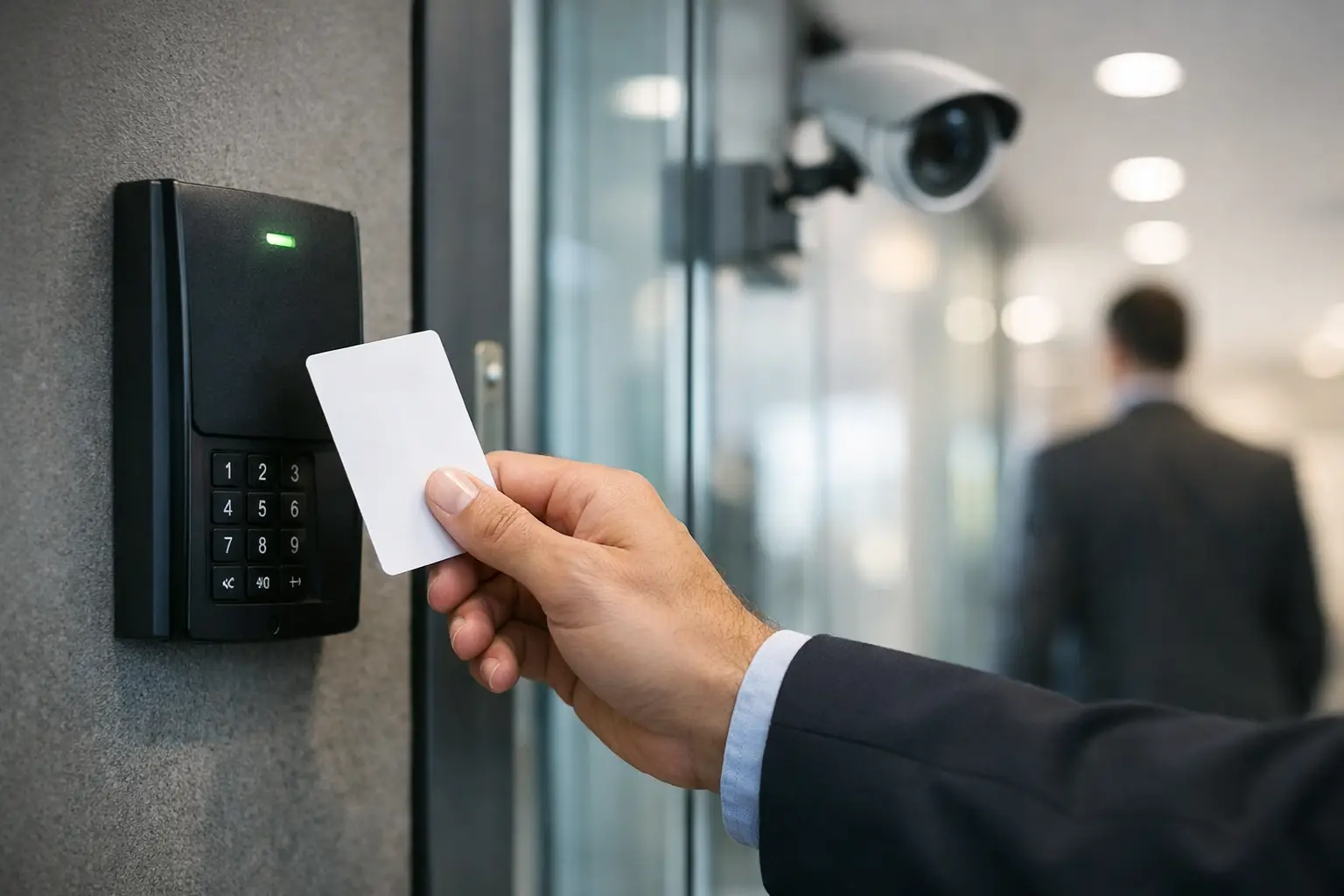
A lost key should not turn into a building-wide security problem. Yet that is exactly what happens in many commercial properties that still rely on traditional locks, shared codes, or inconsistent entry procedures. Access control systems give businesses a more practical way to manage who can enter, when they can enter, and what happens when access needs change fast.
For commercial properties, this is not just about locking doors. It is about reducing risk, simplifying daily operations, documenting activity, and creating a safer environment for employees, tenants, vendors, and visitors. When the system is designed correctly, access control becomes part of how the business runs, not just part of how the building is secured.
Why access control systems matter more in commercial settings
A business has different pressures than a residence. You may have multiple entry points, changing staffing levels, delivery schedules, after-hours vendors, shared suites, sensitive inventory, or restricted server and telecom rooms. One weak point can create a much larger issue than a single unlocked door.
Access control systems let you assign permissions by person, role, department, or schedule. That means a warehouse employee does not need the same access as an accounting manager, and a cleaning crew does not need 24-hour access to the entire building. Instead of handing out physical keys and hoping they are returned, you can issue credentials that are easier to manage and quicker to revoke.
That flexibility matters when people leave, teams change, or operations expand. In a growing company, security often falls behind growth. A modern access platform helps bring order back to who has access and why.
What a commercial access control system actually includes
At the door level, most systems rely on electronic locks or strikes, credential readers, door position sensors, request-to-exit devices, and a management platform that controls permissions and records activity. Credentials may be key cards, fobs, mobile app credentials, PINs, or in some cases biometric authentication.
The software side is where many businesses see the biggest operational improvement. Administrators can add users, remove users, set schedules, create restricted groups, and review event logs without physically rekeying doors. In the right setup, they can manage multiple sites from one dashboard.
The infrastructure behind the system matters just as much as the devices on the wall. Cabling quality, power planning, network readiness, fire code compliance, door hardware compatibility, and integration with other low-voltage systems all affect performance. That is one reason commercial buyers are usually better served by a professional installation than a pieced-together solution.
Credentials are not one-size-fits-all
There is no single best credential type for every property. Cards and fobs are familiar and easy to issue, but they can be shared or lost. Mobile credentials reduce that problem and can be more convenient for employees who already carry phones all day. PINs are simple, but shared codes can become a weak point if they are not updated regularly.
Biometric options can add security in high-risk areas, but they also require more planning around privacy, user acceptance, and budget. The right choice depends on your building, your risk profile, and how people actually move through the space.
The biggest business benefits are operational, not just physical
Security is the obvious reason to install access control, but many companies see the strongest return in day-to-day management. If your team can grant or revoke access in minutes, that reduces administrative drag. If your property manager can confirm exactly when a vendor entered a site, that improves accountability. If a multi-tenant building can separate access levels by suite and common area, that improves control without constant manual oversight.
This becomes even more valuable in businesses with turnover, multiple shifts, or sensitive internal areas. HR, IT, inventory storage, telecom rooms, records rooms, and executive spaces often need tighter control than the front office. A good access system makes that possible without turning the building into a maze.
There is also a compliance angle. Many industries need better documentation of access events, especially around data rooms, controlled inventory, healthcare records, or financial spaces. Event logs and role-based permissions can support internal policy requirements and help during investigations.
Choosing between cloud-based and on-premise access control systems
This is one of the most common decisions commercial buyers face, and the answer depends on how your organization is structured.
Cloud-based access control systems are appealing because they make remote administration easier. If you manage several locations or need to make changes without being on site, cloud management can save time. Updates are often simpler, and authorized users can handle tasks from a browser or app. For many growing businesses, that convenience is a real advantage.
On-premise systems can still make sense in facilities with strict internal IT policies, specific data handling requirements, or a preference for localized control. They may offer more direct oversight of the environment, but they can also place more responsibility on the business for maintenance, updates, and system administration.
The trade-off is rarely about which model is universally better. It is about how your company handles IT, how many locations you operate, how often permissions change, and how much internal support you want to carry.
Integration is where the system becomes more valuable
A standalone door system can improve security, but integrated systems can improve operations across the property. Access control often works best when it connects with surveillance cameras, intercoms, alarm events, and even broader low-voltage infrastructure.
For example, when a credential is used at a restricted door, your camera system can tie video to that event. If a delivery entrance uses an intercom, staff can verify the visitor before granting access. If your business is already upgrading voice, data, or fiber infrastructure, that may be the right time to plan access control the right way instead of adding it later as a separate project.
This is especially relevant in larger commercial environments across Southern California, where facilities may need to support multiple tenants, warehouse operations, office traffic, and perimeter control at the same time. A coordinated design avoids the common problem of disconnected systems that create more management work instead of less.
Common mistakes businesses make when buying access control
The first mistake is buying for the current headcount only. Businesses grow, departments shift, and properties change use. A system that works for one front door and ten users may not serve a three-suite office, a gated yard, and fifty employees a year later.
The second mistake is focusing only on hardware. Readers and locks matter, but poor planning around schedules, credential policies, software permissions, and door behavior can limit the value of the entire system. Access control is as much a management process as it is a security product.
The third mistake is overlooking installation quality. Commercial doors are not all the same. Glass storefront entries, metal doors, gate access points, interior suites, and fire-rated openings each come with different requirements. If door hardware, power, and code considerations are handled poorly, the system may create nuisance issues that frustrate staff and weaken confidence.
How to evaluate the right system for your property
Start with your real-world traffic flow. Who needs access, to which areas, and at what times? Which doors are high-risk, which areas are sensitive, and which access points need convenience as much as control? Those answers shape the system better than a feature list ever will.
Next, look at administrative needs. Who will manage users? How often do access permissions change? Do you need reporting, remote management, or support across multiple locations? A smaller business may want simplicity, while a larger organization may need deeper control and integration.
Then consider future expansion. If you expect additional doors, more employees, tenant turnover, or integration with camera systems, build for that now. A properly planned commercial installation saves money compared to replacing an undersized system later.
For businesses in markets like Ontario, Rancho Cucamonga, Los Angeles, and surrounding areas, local support also matters. When a door is critical to daily operations, you do not want to wait on a provider that treats your site like an afterthought. Working with a commercial security partner that understands access control, cabling, network considerations, and business operations tends to produce a better result than using separate vendors for each piece.
Access control should support the business, not slow it down
The best systems do not create friction. They let the right people move through the property efficiently while keeping sensitive areas protected and access records clear. Employees should not need workarounds to do their jobs, and managers should not need a complicated process every time staffing changes.
That balance is what separates a basic installation from a useful one. Good access control supports security, yes, but it also supports accountability, workflow, and confidence in the building itself. If your current setup depends on shared keys, outdated door hardware, or access rules nobody can clearly explain, it may be time to treat entry management as a business system instead of a lock problem.
When access is planned with the building, the staff, and the operation in mind, security gets stronger and the property gets easier to manage.