

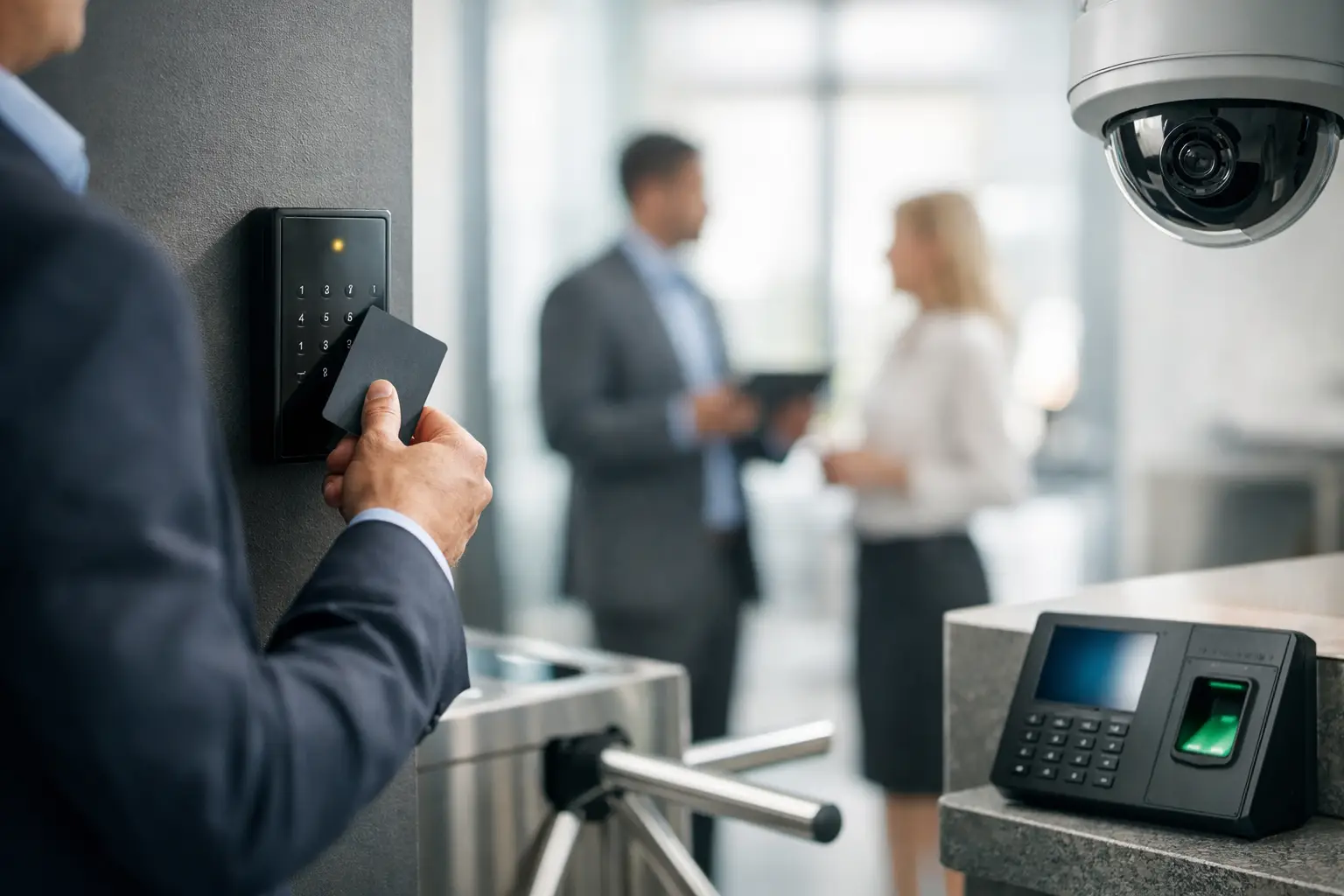
A lost key rarely stays just one lost key for long. It turns into a rekey request, a question about who still has access, and a real concern about what your current system can no longer control. That is exactly where a business access control guide becomes useful – not as a product pitch, but as a practical way to evaluate risk, daily operations, and long-term growth.
For many commercial properties, access control starts as a response to a problem. An employee leaves without returning credentials. A tenant needs after-hours entry. A warehouse wants to separate delivery access from office access. A school, clinic, or multi-suite building needs more accountability than a basic lock and key can provide. At that point, the conversation shifts from doors to control.
What a business access control guide should actually help you decide
Access control is not just about locking doors electronically. It is a system for deciding who can enter, where they can go, when they can get in, and how those events are recorded. The right setup gives you more than security. It supports operations, simplifies administration, and reduces the number of workarounds your staff uses every day.
That said, not every business needs the same design. A single-site office with ten employees has different priorities than a distribution center, medical facility, or multi-tenant commercial building. Some organizations need tighter audit trails. Others care more about convenience, remote management, or integration with cameras and intercoms. The right answer depends on how your property functions in real life.
Business access control guide: the core system choices
Most systems are built around a few essential components: credentials, readers, door hardware, control panels, software, and network connectivity. The details matter because each piece affects reliability, user experience, and future expansion.
Credentials are often the first decision. Key cards and fobs are familiar and cost-effective, which makes them common for offices and commercial facilities. Mobile credentials are gaining ground because employees are less likely to forget their phones than a badge, and administrators can issue or revoke access quickly. PIN-based entry can work for select doors, but shared codes create accountability problems if they are not managed carefully.
Readers and door hardware need to match the use of the opening. A front office entry, a glass storefront door, a warehouse roll-up access point, and a server room do not have the same requirements. Some doors need electric strikes, while others are better served by magnetic locks or electrified hardware. The best choice depends on fire code, life safety requirements, traffic volume, and how the door is built.
Then there is the software side. Cloud-based platforms appeal to many businesses because they allow remote administration, easier updates, and less dependence on an on-site server. On-premise systems still make sense in some environments, especially where internal IT policies require tighter local control. Neither approach is automatically better. It depends on your security policies, budget, and how much flexibility your team needs.
Where businesses usually make the wrong decision
One of the most common mistakes is buying around the cheapest door count. A system may look affordable when it covers two or three entries, but if your business adds suites, gates, interior restricted areas, or new staff groups, that low-cost setup can become expensive to rework.
Another issue is treating access control as a standalone purchase. In commercial environments, it often performs best when it works alongside surveillance, intercoms, alarm inputs, and structured cabling. If your camera system captures an entry event, your front office can verify visitors more quickly. If your intercom and access control work together, deliveries and guest access become easier to manage without creating unnecessary exposure.
Poor installation planning is another costly problem. A modern platform is only as dependable as the wiring, power, door condition, and network support behind it. Businesses sometimes focus on software features and overlook the infrastructure that keeps doors operating correctly. For older buildings, that oversight can cause recurring service calls and frustrating downtime.
How to scope access control for a commercial property
A strong access control plan starts with use, not hardware. Begin by mapping how people move through the property. Think about employees, managers, vendors, delivery drivers, tenants, customers, and after-hours cleaning crews. Each group has different access needs, and those differences should shape the system design.
Next, identify which doors truly matter. Not every opening needs credentialed access. In some buildings, controlling the main entrances, rear service door, and sensitive interior areas is enough. In others, especially larger facilities, a broader deployment makes sense because gaps between secured and unsecured areas create predictable weak points.
Schedule also matters. A business that operates nine to five can often use simpler rules than one with weekend shifts, overnight teams, or rotating vendor access. Time-based permissions are one of the biggest advantages of electronic access control, but they only work well when the system is designed around your actual hours and staffing patterns.
If you manage multiple properties, consistency becomes part of the value. Standardized credentials, user policies, and reporting across sites can reduce administrative time and improve oversight. That is particularly helpful for organizations with offices or facilities across Southern California, where operational visibility matters just as much as physical protection.
Integration matters more than most buyers expect
Access control becomes much more useful when it connects with the rest of your low-voltage environment. Cameras, intercoms, intrusion systems, and network infrastructure all influence how well the system performs day to day.
Camera integration helps resolve incidents faster. If a door is forced open or accessed at an unusual hour, video tied to the event gives managers immediate context. That saves time during investigations and reduces uncertainty around what actually happened.
Intercom integration improves visitor handling. Instead of relying on ad hoc procedures, front desk staff or remote managers can verify and grant entry with a clear process. That is especially useful for shared buildings, gated properties, or facilities with restricted reception areas.
Cabling and network quality are less visible, but they are critical. Weak infrastructure leads to unstable devices, delayed communication, and service headaches that are often blamed on the software. In practice, dependable access control depends on professional installation from the door hardware back to the network path.
Compliance, safety, and business continuity
Commercial access control decisions should never ignore code requirements and life safety rules. Certain door hardware options may not be appropriate for every occupancy type. Egress rules, fire alarm tie-ins, ADA considerations, and local code compliance all need to be addressed during design and installation.
This is where professional commercial experience matters. A system should support security without creating life safety issues or avoidable liability. Licensed, bonded, and insured installation is not just a credential line. It reflects a level of accountability that business owners and facility managers should expect when the system affects daily occupancy and emergency response.
Business continuity is another practical concern. Ask what happens during a power outage, network interruption, or equipment failure. Some systems fail in a way that preserves security, while others prioritize free egress or operational continuity. The right setup depends on the opening, the risk level, and the business function behind that door.
What to ask before you move forward
Before selecting a system, ask how easy it is to add doors, users, and locations later. Ask who will manage permissions and whether that process fits your team. Ask how reporting works and whether you can quickly review door activity when an issue comes up.
You should also ask about credential options, visitor workflows, and support after installation. A well-designed system should be manageable for your staff, not dependent on constant vendor intervention for routine changes. At the same time, you want a provider that can support expansions, troubleshooting, and integration work as your needs change.
For businesses planning upgrades in Ontario, Rancho Cucamonga, Los Angeles, or surrounding markets, local commercial support can make a real difference when multiple sites, tenant needs, or time-sensitive installations are involved. Resource One Low Voltage Security works with businesses that need access control to function as part of a larger commercial security and communications strategy, not as an isolated device on a door.
The real value of a business access control guide
The best business access control guide does not push every company toward the same platform. It helps you choose a system that matches your building, your risk profile, and your operating style. Sometimes that means starting with a few critical doors and building in phases. Sometimes it means replacing an outdated setup before expansion makes the transition harder.
If your current process depends on keys, shared codes, or inconsistent entry practices, the issue is not just convenience. It is visibility, accountability, and control. The sooner you define what access should look like across your property, the easier it becomes to protect the people, spaces, and systems your business depends on every day.
When access is planned well, employees move through the building with fewer delays, managers spend less time chasing credentials, and security decisions stop feeling reactive. That is when access control starts doing what it should – supporting the way your business runs.