

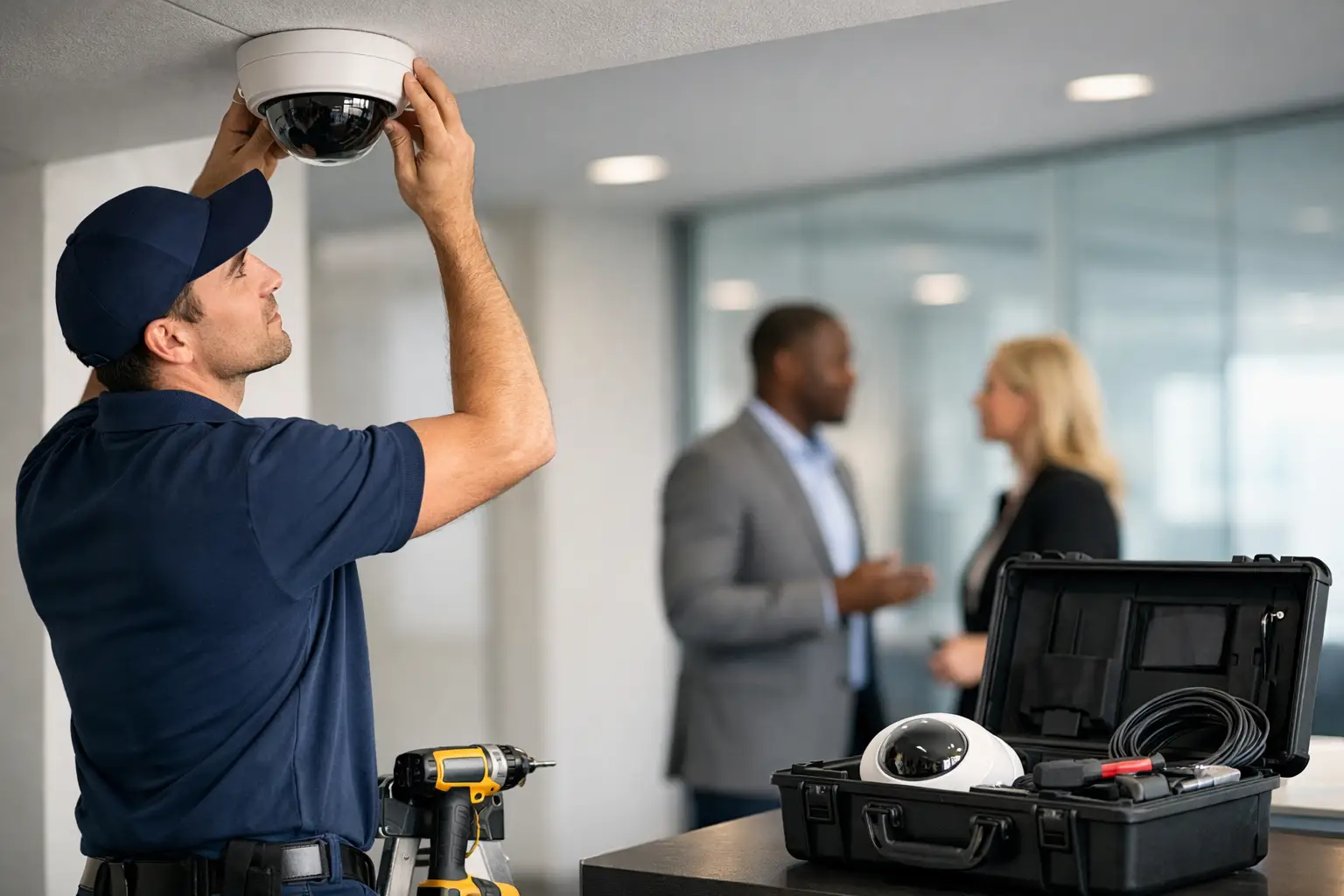
A failed camera is rarely the real problem. The real problem is finding out too late that the loading dock had a blind spot, the access control system never covered the side entrance, or the cabling could not support the expansion your business needed six months later. A strong commercial security installation guide starts before any device goes on a wall. It starts with how your building operates, where your risks actually are, and what your team needs every day.
For commercial properties, security is not a single product purchase. It is a system decision. Cameras, access control, intercoms, alarm inputs, network infrastructure, and structured cabling all affect one another. If those pieces are designed separately, businesses often end up with gaps, duplicate costs, and systems that are harder to manage than they should be.
What a commercial security installation guide should cover
The best commercial security planning begins with a site-specific assessment. That means identifying entrances and exits, customer-facing areas, employee-only zones, inventory storage, receiving areas, parking lots, and any place where incidents are likely to happen or evidence needs to be clear.
This is also where many business owners discover the difference between buying equipment and installing a workable system. A camera with high resolution sounds good on paper, but placement, lighting, lens choice, network bandwidth, and storage strategy matter just as much. The same goes for access control. A credential reader may secure a door, but the real value comes from deciding who should enter, when they should enter, and how those events are tracked.
A proper installation guide should also account for code requirements, fire door coordination, power availability, low-voltage pathways, and future growth. A single-tenant office has different needs than a warehouse, medical office, retail center, school, or multi-site commercial portfolio. There is no one-size-fits-all layout, and any provider who treats it that way is likely to miss operational details that matter.
Start with risk, not equipment
It is easy to focus on hardware first because that is the visible part of the project. In practice, risk should lead the conversation. If your biggest concern is after-hours trespassing, perimeter surveillance and remote visibility may matter most. If your issue is uncontrolled employee access, then door management, credentials, audit trails, and user permissions become the priority.
For some businesses, internal loss prevention is a bigger issue than external intrusion. Others need to manage visitor access without creating friction at the front desk. In higher-traffic environments, an intercom or video entry system may be just as important as cameras. In facilities with aging infrastructure, the cabling backbone may need attention before any new security technology performs the way it should.
That is why the early design phase should ask practical questions. Where have incidents happened before? Which areas create liability? What would interrupt operations most if a breach occurred? Which teams need access, and which areas should stay restricted? Those answers shape the system far better than a generic package ever will.
Cameras: coverage matters more than camera count
Many buyers start by asking how many cameras they need. The better question is what needs to be seen clearly. General overview coverage is different from identification-level coverage. Monitoring a parking area is different from capturing a cash handling station, a reception desk, or a license plate at an entry point.
Commercial camera design should factor in lighting conditions, glare, nighttime visibility, mounting height, and retention needs. AI-enabled CCTV can add real value when it is used correctly. Features such as human and vehicle detection, line crossing alerts, or auto-tracking can reduce false alarms and make review faster. But these tools still depend on proper installation and calibration. Technology cannot fix poor placement.
Access control: security and operations have to work together
Access control is often where security has the biggest daily impact on operations. A good system should help your team move efficiently while keeping sensitive areas restricted. That includes selecting the right doors, credential types, schedules, remote management options, and reporting features.
Cloud-based platforms can be a strong fit for many commercial environments, especially businesses that need to manage permissions across multiple users or locations. But there are trade-offs. Some facilities prefer more on-premise control, while others value the flexibility of remote administration. The right answer depends on your internal processes, IT preferences, and how often user access changes.
A rushed install can create problems here. Door hardware, life safety requirements, request-to-exit devices, and network communication all have to be coordinated carefully. If they are not, you may end up with doors that are inconvenient, inconsistent, or noncompliant.
Infrastructure is the part that decides long-term performance
Security systems are only as reliable as the infrastructure behind them. That includes structured cabling, fiber where needed, power distribution, equipment racks, switching capacity, and network design. Businesses that overlook this part often run into dropped connections, underpowered devices, poor video performance, or difficult service calls later.
This is especially important in larger commercial properties or facilities with multiple buildings. A camera system might look straightforward until distances exceed copper limitations or bandwidth demands increase with higher-resolution video. A growing business may also need extra pathways and spare capacity built into the project from day one.
For many Southern California businesses, expansion happens faster than expected. A warehouse adds a secured cage area. An office suite adds another department. A property manager takes on another building. When that happens, systems designed with room to grow save time and money. Systems designed too tightly often need expensive rework.
Installation quality affects more than security
Professional installation is not just about getting devices mounted neatly. It affects usability, maintenance, compliance, and the credibility of the system when an incident happens. Clear camera angles, labeled cabling, clean terminations, organized equipment rooms, tested devices, and documented configuration all matter.
This is one reason commercial clients usually benefit from working with a licensed, bonded, and insured contractor that specializes in low-voltage and business security environments. Commercial properties have more coordination points than a basic residential setup. There may be landlords, IT teams, general contractors, property managers, compliance expectations, and operating schedules to work around.
A good installer plans around business disruption. Some projects can be completed during regular hours. Others are better handled after hours or in phases so entries remain secure and staff can continue working. That planning matters as much as the technology itself, especially in active offices, retail settings, healthcare spaces, and industrial sites.
A commercial security installation guide should include future use
One of the most common mistakes in commercial security is designing only for the immediate need. The system works for opening day, but not for year two. That is why future use should be part of the installation conversation from the start.
Think about user growth, added doors, retention requirements, remote access expectations, and integration opportunities. You may not need every feature now, but your system should not block those options later. This is particularly true when security overlaps with communication and data infrastructure. If one provider understands cameras, access control, intercoms, fiber, and voice and data cabling together, the final design is usually more efficient.
That integrated approach is often what separates a clean commercial project from a patchwork system. Instead of managing one vendor for cameras, another for doors, and another for cabling, businesses can align the whole environment around how the site actually operates.
Choosing the right partner for installation
A commercial security project should come with clear recommendations, not vague promises. You want a provider that can explain why each camera is placed where it is, why certain doors should be controlled first, what infrastructure is required, and what trade-offs come with each option.
Some businesses need a phased approach to stay within budget. That can work well if phase one addresses the highest-risk areas and the overall design still supports later expansion. Other projects justify a full deployment because the cost of delay is higher than the cost of doing it right now. It depends on your risk profile, building condition, and operational priorities.
For businesses in markets like Ontario, Rancho Cucamonga, Los Angeles, and surrounding commercial corridors, local experience can also make a difference. Site conditions, building types, permitting realities, and response expectations vary by region. A provider familiar with commercial work in these areas is more likely to anticipate issues before they become delays.
Resource One Low Voltage Security works with businesses that need that kind of practical planning – not just equipment, but a complete system that supports protection, visibility, and day-to-day operations.
The best time to fix a security gap is before it becomes an incident report. If you are planning a new system or replacing an outdated one, treat installation as a business decision, not just a hardware upgrade. The right design will protect more than the property. It will protect how your business runs.